How do I edit a collection?Updated a month ago
You can make changes to your collection anytime, and updates will instantly appear for your team.
Group Orders
The best way to edit your collection is by building a new collection and archiving your existing collection to ensure all details are correct.
- Log in: teamsapp.wearfigs.com/login
- Go to Collections --> Build Collection.
- Name your collection and add your teams's styles and colors.
- Upload your logo (or choose a previously uploaded logo).
- Confirm your collection and start ordering!
Keep things organized by archiving older collections. Just click the three-dot menu (⋮) next to any collection.
Individual Orders
- Log in: wearfigs.com/account/login
- Go to your Admin Dashboard
- Click on Collections
-
Click Edit
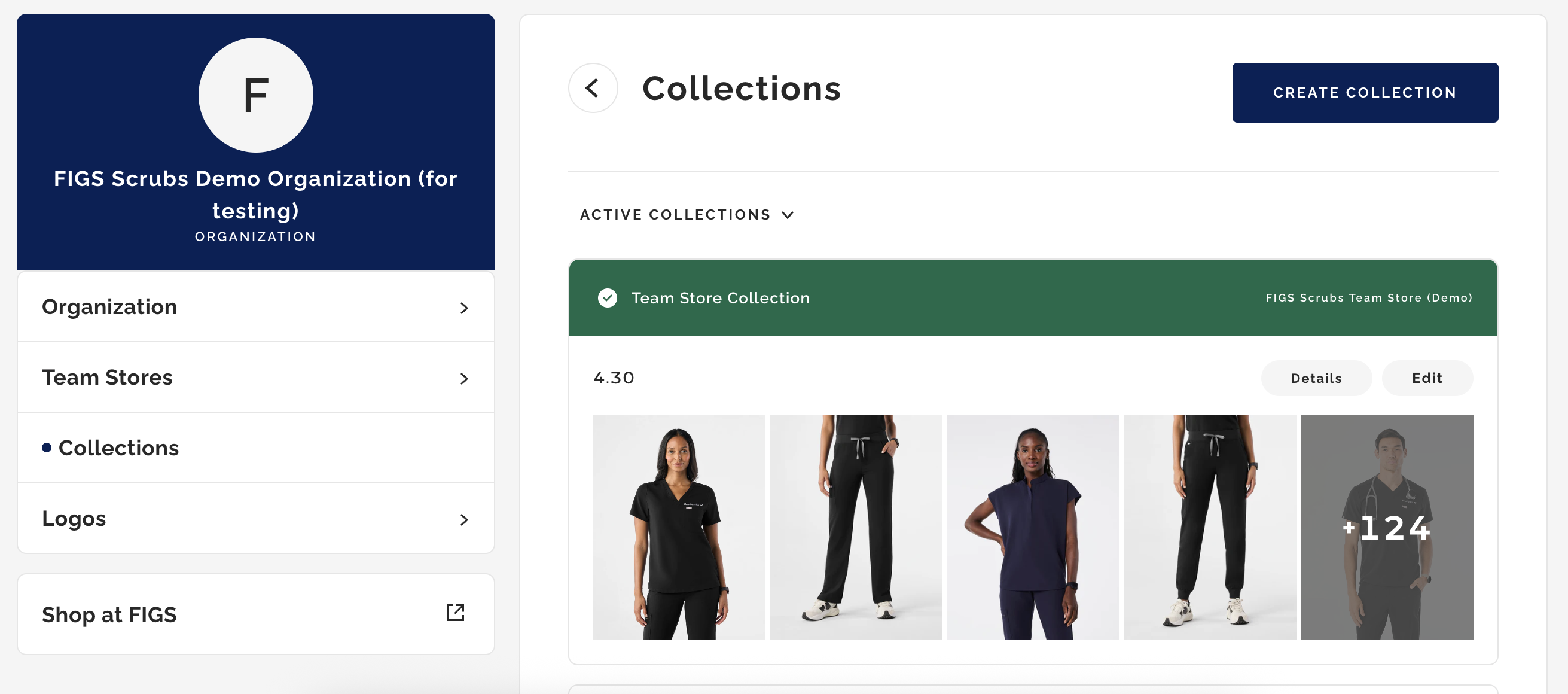
- Update your styles and colors as needed
- Save your changes by clicking Save Selections (you and your team will see changes immediately)
- Click Return to Dashboard to return to your Admin Dashboard
- To make changes to your embroidery, see here.