How do I apply a discount code?Updated a month ago
Easy! Add your favorite FIGS products to your bag and head on over to checkout. On Desktop, you’ll see a sidebar on the righthand side of your screen. If you're using your mobile device or our app, click on "Show order summary" at the top of the checkout screen.
Next:
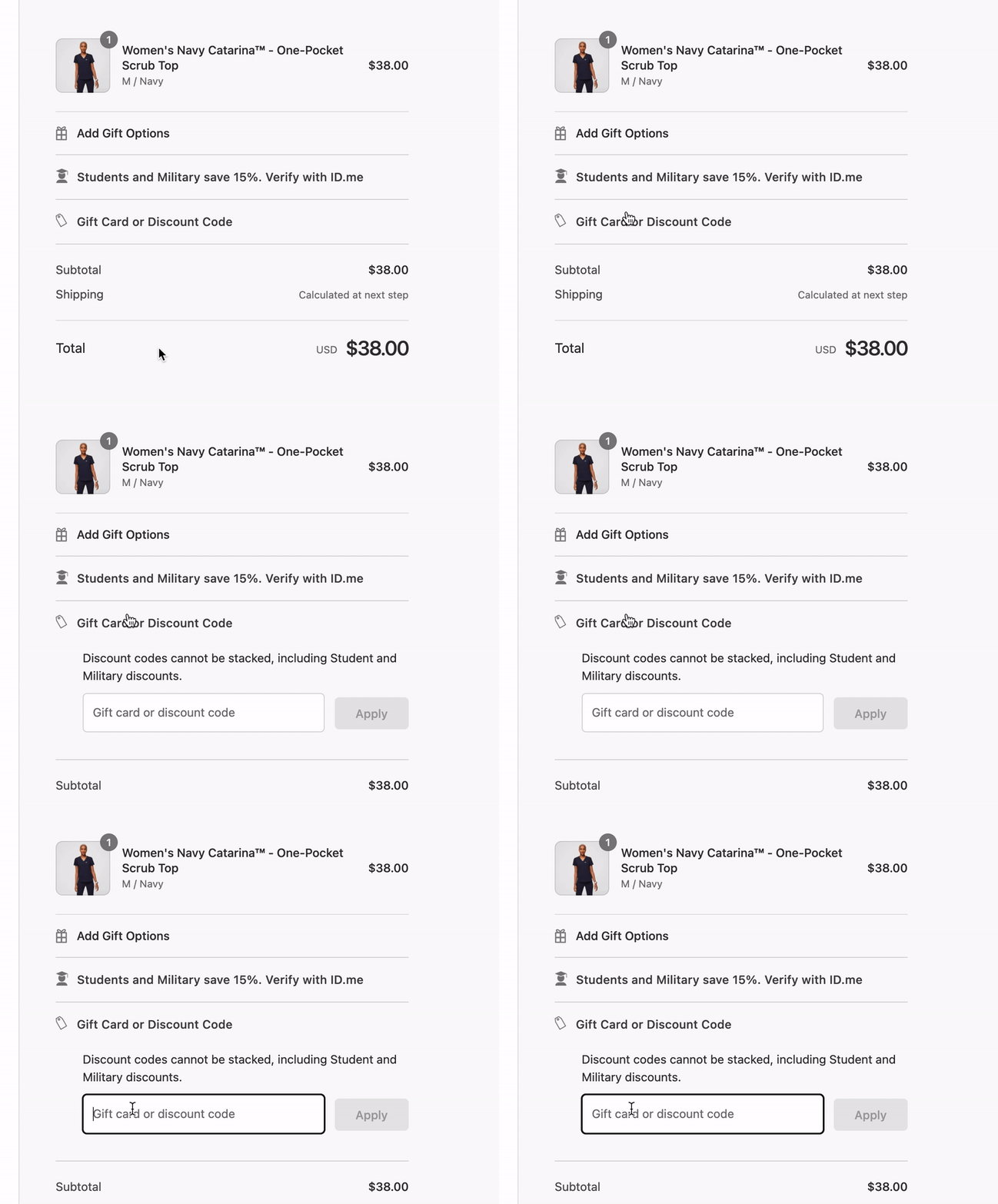
- Underneath the items in your cart, you’ll see a section titled “Gift Card or Discount Code”.
- Click to expand and you’ll see a field where you can enter your discount code.
- Enter the code and hit apply.
- If the code is valid, you should see the discount applied to eligible items in your Checkout summary!
Please note: discount codes cannot be stacked, including Student and Military discounts and discounts during promotional periods.
Using your Student or Military discount code? Click here!
For a visual guide, check out the gif below: